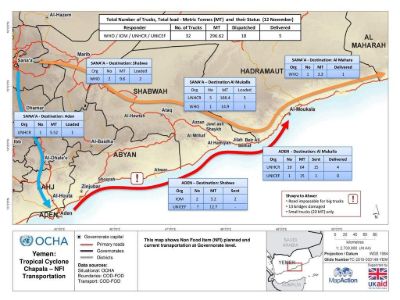

This module explores how to create effective maps without using GIS software. It provides guidance on how to create a non-GIS generated map and a summary of software packages that can be used for this. There is also an opportunity to put the learning into practice and create a simple map.
Lesson 2: Practical exercise to create a simple map
Lesson 3: Self-assessment and reflection
Learning objectives
By the end of this module, you will be able to:
- Create a simple, non-GIS generated map using appropriate software
- Applying key design principles to on-GIS generated maps
- Reflect on your map making skills and identify areas for improvement
Audience
This module is suitable for anyone who is interested developing their knowledge and skills for information management in humanitarian contexts, including those who need to engage with coordination and humanitarian architecture on this topic.
Length
It should take you about 50 minutes to complete this self-paced course.
Methodology
This course is composed of a single short self-paced animated module, including various examples and activities.
Structure
Introduction
Lesson 1: How to create a simple mapLesson 2: Practical exercise to create a simple map
Lesson 3: Self-assessment and reflection
Summary
Suggested prior learning
- Communicating Information in a Humanitarian Response
- Presenting Data Visually
- Communicating through Maps
Suggested further learning
- Using GIS
- Creating a GIS map